

The 3 Google Business Profile Fixes That Instantly Boost Your Alpharetta Ranking
In today’s competitive digital landscape, having a robust online presence is crucial for businesses in Alpharetta. One of the most effective ways to improve your visibility is through an optimized Google Business Profile (GBP). This article explores three essential fixes that can significantly enhance your business ranking on Google and help you attract more customers.
Understanding Google Business Profile
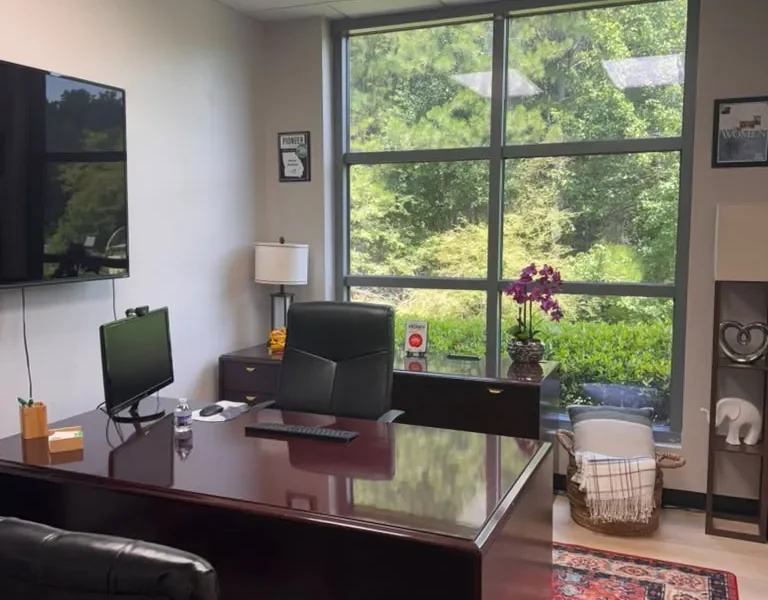
Before diving into the specific fixes, it’s essential to understand what a Google Business Profile is. A GBP is a free tool that allows businesses to manage their online presence across Google, including Search and Maps. It provides vital information about your business, such as location, hours, and customer reviews, which can influence potential customers’ decisions.
Fix 1: Complete Your Business Information
One of the most critical elements of your Google Business Profile is the accuracy and completeness of your business information. Here’s how to ensure your profile is fully optimized:
1.1 Update Your Business Name
Your business name should match your actual business name as it appears in the real world. Avoid keyword stuffing as it can lead to penalties from Google. For example, if your business is called ‘World Park,’ do not add keywords like ‘co-working space’ or ‘office rental’ to your name.
1.2 Provide Accurate Address and Phone Number
Ensure your address is accurate and formatted correctly. This is particularly crucial for local SEO. Additionally, include a local phone number to enhance trust and communication.
1.3 Specify Business Hours
Accurate business hours are vital for customers. Make sure you update your hours for holidays or special events. Google allows you to add special hours, making it easier for customers to find you when they need to.
Fix 2: Optimize Your Business Categories
Choosing the right categories for your business can significantly impact your visibility in local search results. Here’s how to optimize your business categories:
2.1 Primary Category Selection
Your primary category should reflect your main business activity. For example, if you offer coworking spaces, your primary category should be ‘Coworking Space.’ This helps Google understand what services you provide and match you with relevant searches.
2.2 Add Additional Categories
In addition to your primary category, you can include secondary categories. This allows you to capture a broader audience. For instance, if you also provide office rentals, you can add ‘Office Rental Agency’ as a secondary category.
2.3 Regularly Review Categories
Business categories can change over time. Regularly review and update your categories to ensure they align with your business offerings.
Fix 3: Enhance Your GBP with Photos and Posts
Visual content can significantly enhance your GBP and engage potential customers. Here are some effective ways to utilize photos and posts:
3.1 Upload High-Quality Images
High-resolution images of your workspace, team, and events can create a positive impression. Include images that showcase your modern private offices, coworking environments, and professional podcast and video production studios.
3.2 Use Google Posts
Google Posts are a feature that allows businesses to share updates, offers, and events directly on their GBP. Regularly posting relevant content can keep your audience engaged and informed. Consider sharing news about upcoming business networking events or startup-friendly workshops.
3.3 Encourage Customer Photos
Customer-generated content can enhance your profile’s credibility. Encourage satisfied customers to share their experiences and photos of your space. This not only offers authentic insights into your business but also boosts engagement.
Conclusion
Enhancing your Google Business Profile is a vital step in elevating your Alpharetta business visibility. By implementing these three fixes—completing your business information, optimizing your categories, and enhancing your profile with photos and posts—you can significantly boost your search rankings and attract more customers. Regularly monitor your GBP for updates and changes to keep your profile fresh and engaging.
FAQs
1. How long does it take for changes to reflect in my Google Business Profile?
Changes to your GBP can take up to 3 days to reflect, but often appear much sooner.
2. Can I manage my Google Business Profile from my mobile device?
Yes, Google offers a mobile app for managing your GBP, making it easy to update your information on the go.
3. What should I do if my business information is incorrect on Google?
You can suggest edits on your GBP or claim your business to make necessary corrections.
4. How often should I update my Google Business Profile?
Regular updates are recommended, especially for hours, services, and posts. Aim for at least once a month.
5. What types of posts can I make on my Google Business Profile?
You can post updates, offers, events, and product information to engage your audience.
6. Is it important to respond to customer reviews?
Yes, responding to reviews shows that you value customer feedback and can improve your business’s reputation.
7. How can I encourage customers to leave reviews?
Ask satisfied customers directly or send follow-up emails requesting their feedback on your services.
8. Can I use keywords in my business description?
Yes, but ensure they are relevant and naturally integrated into your description without keyword stuffing.
