

Ultimate Guide: Create Animated Explainer Videos on Any Budget
In today’s fast-paced digital landscape, animated explainer videos serve as a powerful tool for businesses to convey their messages succinctly and engagingly. Whether you are a startup looking to introduce your innovative product or an established company aiming to boost brand awareness, knowing how to create animated explainer videos on any budget is crucial. This comprehensive guide will walk you through the entire process, from the initial concept to the final video, ensuring you can produce high-quality content without breaking the bank.
Understanding Animated Explainer Videos
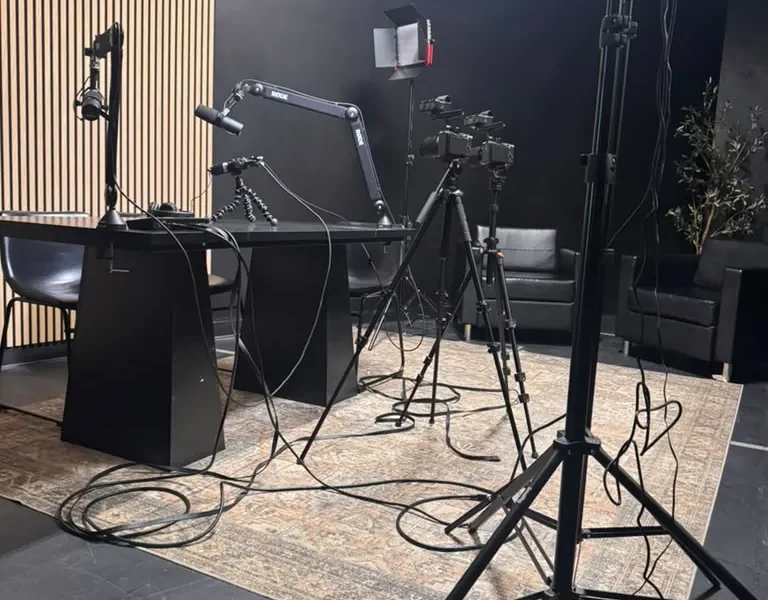
Animated explainer videos are short, engaging videos that use animation to explain a business’s products, services, or ideas. They can be particularly effective for explaining complex concepts in a simple, visual manner. According to a study by Wyzowl, 88% of people say they’ve been convinced to buy a product or service by watching a brand’s video. This statistic highlights the importance of incorporating video content into your marketing strategy.
Benefits of Animated Explainer Videos
Incorporating animated explainer videos into your marketing strategy offers numerous benefits:
- Increased Engagement: Videos capture attention more effectively than text or images alone.
- Improved Retention: Viewers are more likely to remember information presented in a video format.
- Enhanced Brand Personality: Animation allows for creativity, enabling businesses to showcase their brand’s personality and values.
- Versatility: Animated videos can be used across various platforms, including social media, websites, and email campaigns.
For startups and entrepreneurs in Alpharetta, Georgia, leveraging animated explainer videos can significantly enhance your visibility in a competitive market. To learn more about how coworking spaces like World Park can support your creative needs, check out our offerings.
Budgeting for Your Video
Creating an animated explainer video can be done on various budgets. Here’s a breakdown of what to consider when budgeting:
| Budget Range | Description | Typical Length |
|---|---|---|
| Low ($100 – $500) | Basic animations using templates and DIY tools. | 1-2 minutes |
| Medium ($500 – $2,000) | Custom animations with more professional tools and a script. | 1-3 minutes |
| High ($2,000 – $10,000+) | Full production with professional animators, voiceovers, and original music. | 2-5 minutes |
When budgeting, also consider the following factors:
- Scriptwriting: A well-written script is essential for conveying your message effectively.
- Voiceover: Professional voiceovers can enhance the quality of your video.
- Animation Style: The complexity of the animation will directly affect costs.
Steps to Create an Animated Explainer Video
Creating an animated explainer video involves several key steps:
1. Define Your Goal
Start by defining the purpose of your video. Are you looking to explain a product, educate your audience, or promote a service? Knowing your goal will guide the rest of the process.
2. Write a Compelling Script
Your script is the foundation of your video. Keep it concise, focused, and engaging. Aim for a length of about 150 words per minute of video. Use clear language and avoid jargon.
3. Create a Storyboard
A storyboard helps visualize how your script will translate into visuals. Sketch out scenes, noting key animations and transitions. This step is crucial for ensuring a coherent flow.
4. Choose Your Animation Style
Decide on an animation style that aligns with your brand. Options include 2D animation, motion graphics, and whiteboard animation. Each style has a unique appeal and can impact viewer engagement.
5. Produce Your Video
Depending on your budget, you can either use DIY tools or hire professionals. For those on a tight budget, platforms like Canva and Animaker offer user-friendly interfaces for creating animated videos.
6. Add Voiceover and Music
Incorporate a professional voiceover to narrate your script. Additionally, background music can enhance the emotional tone of your video. Ensure that the audio complements the visuals rather than overpowering them.
7. Edit and Finalize
Review your video for any necessary edits. Pay attention to pacing, transitions, and overall coherence. Once satisfied, export your video in a suitable format for your intended platform.
Tools and Software for Animation
There are numerous tools available for creating animated explainer videos. Here’s a list of popular options:
- Adobe After Effects: A powerful tool for professional animators that allows for intricate animations.
- Vyond: A user-friendly platform designed for creating animated videos with customizable templates.
- Powtoon: Offers a variety of templates and allows for easy drag-and-drop animation creation.
- Moovly: A cloud-based solution that provides access to a vast library of media and templates.
For businesses looking to enhance their technology infrastructure, consider exploring data center solutions that support video hosting and streaming.
Tips for Success
Here are additional tips to ensure your animated explainer video is successful:
- Test with Your Audience: Before finalizing your video, test it with a sample audience to gather feedback.
- Optimize for SEO: Use relevant keywords in your video title and description to enhance visibility.
- Promote Your Video: Share your video on social media, your website, and during business events to maximize reach.
Frequently Asked Questions
1. What is an animated explainer video?
An animated explainer video is a short video that uses animation to explain a product, service, or idea in a clear and engaging way.
2. How long should an animated explainer video be?
The ideal length for an animated explainer video is typically between 1 to 2 minutes, as this duration keeps viewers engaged without losing their attention.
3. Can I create an animated explainer video on a tight budget?
Yes! You can create an animated explainer video on a tight budget using DIY tools and templates available online.
4. What tools can I use to create animated videos?
Popular tools for creating animated videos include Adobe After Effects, Vyond, Powtoon, and Animaker.
5. Is a professional voiceover necessary?
While not mandatory, a professional voiceover can significantly enhance the quality and credibility of your video.
6. How do I script my explainer video?
Start by defining your goal, then write a concise script that engages your audience and conveys your message clearly.
7. What styles of animation are available?
Common animation styles include 2D animation, motion graphics, whiteboard animation, and stop-motion animation.
8. How can I promote my animated explainer video?
Share your video on social media, your website, and through email campaigns to maximize visibility and engagement.
Conclusion
Creating animated explainer videos is a valuable investment for any business looking to enhance its marketing efforts. By following the steps outlined in this guide and leveraging the right tools, you can produce high-quality videos that resonate with your audience, even on a tight budget. For businesses in Alpharetta, Georgia, consider partnering with local innovation hubs like World Park to find the right workspace and resources for your creative projects. Start your journey in crafting compelling animated content today!
