
How to Run a Hybrid Meeting From Alpharetta That Impresses Remote Clients
In today’s fast-paced business world, hybrid meetings have become a standard practice for organizations looking to bridge the gap between in-person and remote participants. The rise of remote work has necessitated a new way of conducting meetings, and mastering this skill is essential for engaging clients and ensuring productive collaboration. In this article, we will explore how to effectively run a hybrid meeting from Alpharetta that not only involves local attendees but also impresses your remote clients.
Understanding Hybrid Meetings
Hybrid meetings combine both in-person and virtual participants, allowing teams and clients to connect regardless of their location. This format offers flexibility and inclusivity, making it an ideal choice for modern businesses. However, running a successful hybrid meeting requires careful planning and execution to ensure that all participants feel valued and engaged.
Setting the Stage for Success
1. Choose the Right Location
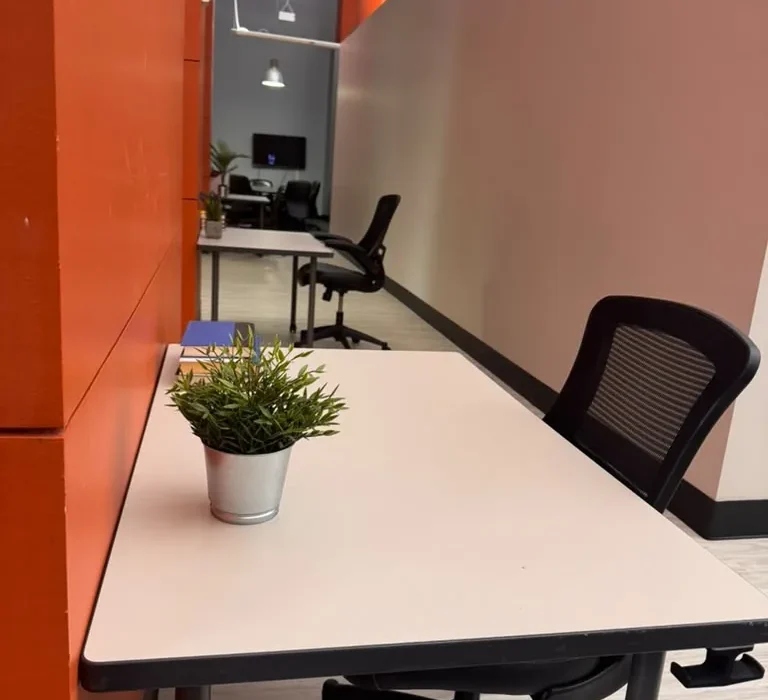
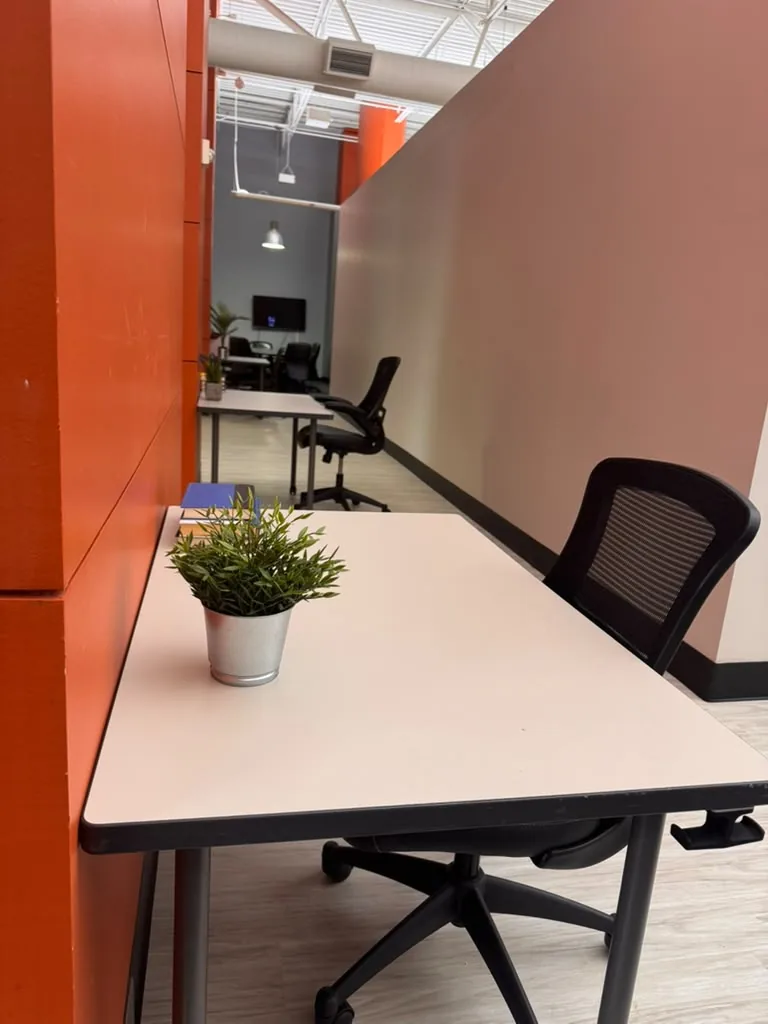
The venue you select can significantly impact the effectiveness of your hybrid meeting. World Park in Alpharetta offers modern private offices and coworking spaces designed for collaboration and productivity. With enterprise-grade technology infrastructure, you can ensure seamless connectivity for remote participants.
2. Invest in Quality Equipment
To create a professional atmosphere, invest in high-quality audio-visual equipment. This includes:
- High-definition cameras that capture the entire meeting space.
- Clear audio systems to ensure everyone can hear and be heard.
- Reliable internet connections to avoid disruptions.
- Screen-sharing capabilities for effective presentations.
3. Create an Inclusive Agenda
When planning your meeting agenda, consider the needs of both in-person and remote participants. Ensure that all sections of the agenda allow for interaction and input from everyone. Establish time slots for Q&A sessions and discussions, encouraging contributions from all attendees.
Best Practices for Running a Hybrid Meeting
1. Test Your Technology
Before the meeting day, conduct a technology check to ensure all equipment is functioning correctly. Test video and audio quality, screen-sharing options, and any software you will be using for the meeting. This preparation can help you avoid technical issues during the actual meeting.
2. Assign Roles
Designate roles for your team members to facilitate the meeting smoothly. This could include a moderator to manage the flow of conversation, a tech support person to handle any technical issues, and note-takers to capture important points.
3. Engage Remote Participants
Keep remote clients engaged by actively involving them in the discussion. Use tools like polls, chat functions, and breakout rooms to encourage participation. Make a point to acknowledge remote participants by name, ensuring they feel included and valued.
4. Utilize Visual Aids
Visual aids can enhance understanding and retention of information. Use slides, videos, and infographics to convey your message more effectively. Ensure that these aids are visible to both in-person and remote attendees, creating a cohesive experience.
5. Follow Up
After the meeting, send a follow-up email to all participants, including a summary of key points, action items, and a recording of the meeting. This demonstrates professionalism and ensures everyone is on the same page.
Creating a Collaborative Environment
World Park fosters an innovation-focused collaborative community, making it an ideal choice for hosting hybrid meetings. Encourage networking and interaction among participants by organizing business networking and startup events. This can provide opportunities for remote clients to connect with in-person attendees, strengthening relationships.
Leveraging Content Creation and Media Production Support
To further impress remote clients, consider utilizing World Park’s professional podcast and video production studios. High-quality recordings of your meetings can be shared with clients who were unable to attend, showcasing your commitment to transparency and communication.
FAQs
1. What is a hybrid meeting?
A hybrid meeting combines in-person attendees and remote participants, allowing for collaborative discussions regardless of location.
2. How do I choose the right venue for my hybrid meeting?
Look for a location with modern amenities, reliable internet, and the necessary technology to support both in-person and virtual participation.
3. What technology do I need for a successful hybrid meeting?
Invest in high-definition cameras, quality audio systems, reliable internet, and screen-sharing capabilities to enhance the meeting experience.
4. How can I keep remote participants engaged?
Incorporate interactive elements like polls, discussions, and Q&A sessions to encourage participation from remote attendees.
5. What should I include in the meeting agenda?
Include sections that allow for input from both in-person and remote participants, and allocate time for discussions and questions.
6. How can I follow up after the meeting?
Send a follow-up email with a summary of the meeting, key points, action items, and a recording for those who could not attend.
7. Why is it important to test technology before the meeting?
Testing technology ensures that all equipment is functioning properly, which helps avoid disruptions during the meeting.
8. What benefits does World Park offer for hybrid meetings?
World Park provides modern office spaces, enterprise-grade technology, and media production support, creating an ideal environment for successful hybrid meetings.
