
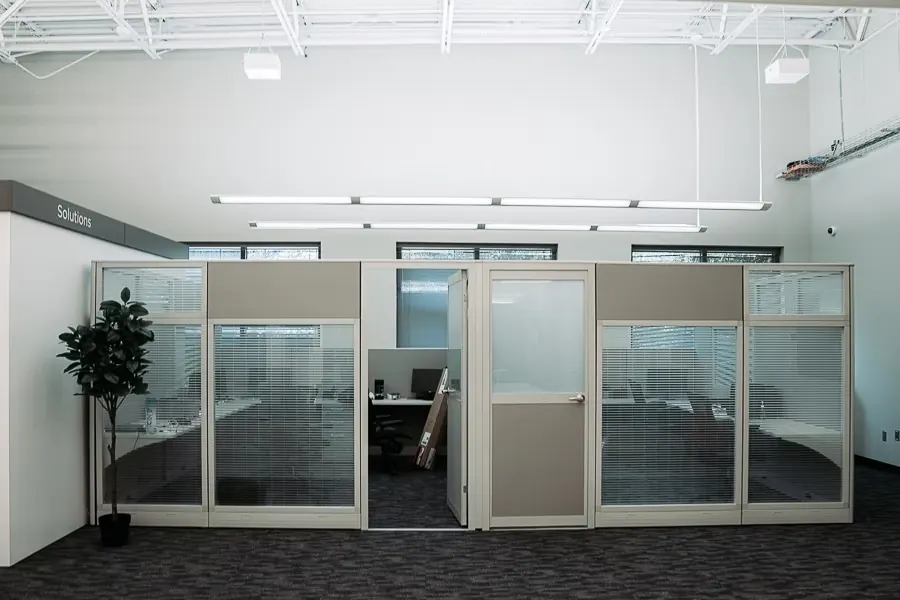
Create a Home Office That Matches Professional Coworking Space Productivity
In today’s rapidly evolving work environment, the home office has emerged as a cornerstone of productivity and efficiency. With more professionals working remotely, understanding how to create a home office that mirrors the productivity levels of a professional coworking space is essential. This article will guide you through the crucial elements needed to design a workspace that not only enhances your productivity but also fosters creativity and innovation, similar to what you would experience in a modern coworking environment.
Understanding the Benefits of a Well-Designed Home Office
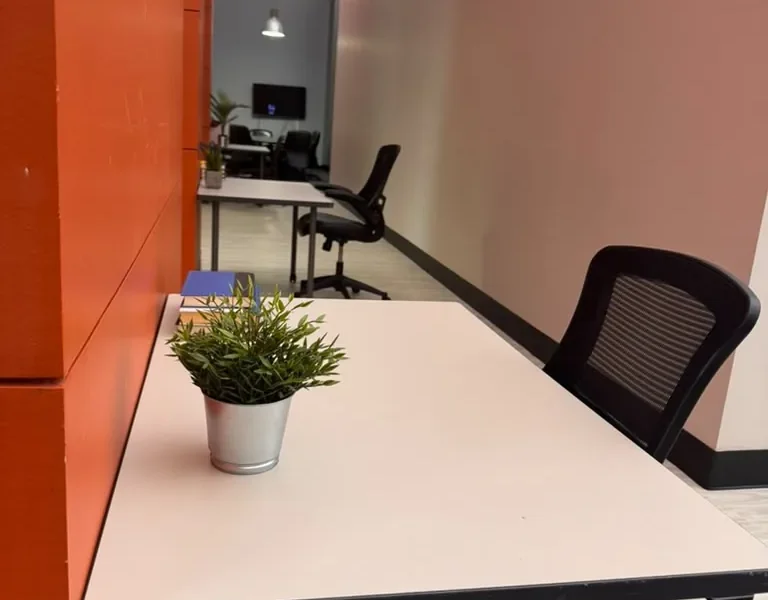
Creating a home office that matches the productivity of a coworking space provides several advantages. According to a study by the American Journal of Lifestyle Medicine, having a dedicated workspace can significantly enhance focus and efficiency. Here are some key benefits:
- Increased Productivity: A well-organized space minimizes distractions and helps you stay on task.
- Cost-Effectiveness: Working from home eliminates commuting costs and time, allowing for more productive hours.
- Flexibility: You can customize your workspace to fit your personal preferences and working style.
- Work-Life Balance: A designated office area helps separate work from personal life, improving overall well-being.
Essential Elements for a Productive Home Office
To achieve a workspace that rivals a coworking space, consider incorporating the following essential elements:
1. Ergonomic Furniture
Investing in ergonomic furniture is crucial for maintaining comfort during long work hours. Consider a height-adjustable desk and an ergonomic chair that supports your posture. According to the Occupational Safety and Health Administration (OSHA), proper ergonomics can reduce the risk of musculoskeletal disorders.
2. Adequate Lighting
Natural light is ideal for a productive workspace. Position your desk near a window to take advantage of sunlight. Additionally, consider using task lighting, such as desk lamps, to reduce eye strain during evening hours.
3. Organized Storage Solutions
Keeping your workspace organized enhances focus and reduces clutter. Utilize shelves, filing cabinets, and desk organizers to store documents and supplies efficiently. This organization mirrors the professional environment found in coworking spaces.
4. Personal Touches
Incorporate personal items that inspire you, such as artwork, plants, or motivational quotes. These elements can boost your mood and creativity, similar to how coworking spaces foster a vibrant atmosphere.
Creating a Professional Atmosphere
To replicate the professional ambiance of a coworking space, consider the following:
1. Sound Control
Noise can be a significant distraction when working from home. Use soundproofing materials, such as acoustic panels or noise-canceling headphones, to create a quieter environment. This is particularly important if you participate in virtual meetings or calls.
2. Professional Decor
Select decor that reflects professionalism. Neutral colors, sophisticated artwork, and clean lines can create a polished look. Consider a wall-mounted whiteboard or bulletin board for planning and brainstorming, similar to collaborative spaces.
3. Technology Setup
Ensure your technology is up to par with coworking standards. A reliable internet connection, high-quality webcam, and professional software tools are essential for seamless communication and productivity.
Technology and Tools for Efficiency
Utilizing the right technology can elevate your home office’s productivity to that of a coworking space. Here are some tools to consider:
1. Project Management Software
Tools like Trello, Asana, or Monday.com help keep projects organized and on track. These platforms facilitate collaboration, even if you’re working remotely.
2. Communication Platforms
Use tools like Slack or Microsoft Teams for real-time communication with colleagues. Effective communication is crucial for maintaining productivity, especially in remote settings.
3. Cloud Storage Solutions
Services like Google Drive or Dropbox allow for easy file sharing and collaboration. This flexibility mirrors the collaborative nature of coworking spaces.
4. Time Management Apps
Apps like Todoist or RescueTime can help you manage your time effectively, ensuring that you remain focused on tasks without becoming overwhelmed.
Incorporating Collaboration and Networking
Even from home, it’s vital to maintain connections and collaborate with others. Here are strategies to enhance networking:
1. Virtual Networking Events
Participate in online networking events or workshops to connect with other professionals in your field. This mirrors the networking opportunities provided by coworking spaces.
2. Join Online Communities
Engage with online forums or social media groups related to your industry. Sharing insights and experiences can lead to valuable connections.
3. Schedule Regular Check-Ins
Set up regular video calls with colleagues or mentors to discuss projects and ideas. This ongoing communication fosters collaboration, similar to the interactions in coworking environments.
Maintaining Work-Life Balance
One of the challenges of remote work is maintaining a healthy work-life balance. Here are some strategies to help:
1. Set Boundaries
Clearly define your working hours and communicate them to family members. This helps minimize interruptions and allows you to focus on work during designated times.
2. Take Breaks
Incorporate regular breaks into your schedule to recharge. Short walks, stretching, or even a quick meditation session can enhance your productivity.
3. Create a Transition Ritual
Establish a routine that signals the start and end of your workday. This could be as simple as changing clothes or taking a short walk before and after work.
Expert Tips for Enhancing Productivity
To further boost your productivity, consider these expert insights:
1. Optimize Your Workspace Layout
Position your desk to face a wall or window to minimize distractions. Ensure that frequently used items are within arm’s reach to reduce unnecessary movement.
2. Limit Digital Distractions
Turn off non-essential notifications on your devices to maintain focus. Tools like Freedom or Cold Turkey can help block distracting websites during work hours.
3. Invest in Continuous Learning
Stay updated with industry trends by enrolling in online courses or attending webinars. Continuous learning enhances your skills and keeps your mind engaged.
Conclusion
Creating a home office that matches the productivity of a professional coworking space requires careful consideration of design, technology, and personal habits. By implementing ergonomic furniture, effective technology, and strategies for collaboration and networking, you can cultivate a workspace that promotes efficiency and creativity. Whether you are working on a startup, engaging in media production, or simply seeking a flexible workspace, the right environment can significantly impact your productivity and success.
Frequently Asked Questions
1. What are the key elements of a productive home office?
Key elements include ergonomic furniture, adequate lighting, organized storage, and personal touches that inspire creativity.
2. How can I minimize distractions while working from home?
Minimize distractions by using soundproofing materials, setting boundaries with family members, and limiting digital notifications.
3. What technology do I need for an efficient home office?
Essential technology includes a reliable internet connection, project management software, communication platforms, and cloud storage solutions.
4. How can I maintain work-life balance while working remotely?
Set clear boundaries for work hours, take regular breaks, and create a transition ritual to signal the start and end of your workday.
5. Are there specific design tips for a home office?
Consider optimizing your workspace layout, using professional decor, and ensuring good lighting to enhance productivity.
6. How can I foster collaboration when working from home?
Participate in virtual networking events, join online communities, and schedule regular check-ins with colleagues.
7. What is the Pomodoro Technique?
The Pomodoro Technique involves working in focused bursts of 25 minutes followed by a 5-minute break to enhance concentration.
8. How can I stay motivated while working from home?
Set specific goals, create a routine, and incorporate personal items that inspire you into your workspace.
9. What are the benefits of a dedicated home office?
A dedicated home office increases productivity, reduces distractions, and helps maintain a clear separation between work and personal life.
10. How can I improve my focus while working from home?
Limit digital distractions, optimize your workspace layout, and use productivity techniques like the Pomodoro Technique.
11. What should I include in my home office setup?
Your home office setup should include ergonomic furniture, adequate lighting, organized storage solutions, and essential technology tools.
12. How can I make my home office feel professional?
Create a professional atmosphere by selecting appropriate decor, maintaining a clean workspace, and ensuring your technology setup is up to par.
