

The Ultimate Guide to Free and Paid Tools for Graphic Design, Video Editing & Audio Production
In today’s digital landscape, the demand for high-quality graphic design, video editing, and audio production is at an all-time high. Whether you’re an entrepreneur, a startup, or a content creator, having the right tools at your disposal can significantly enhance your creative output. This comprehensive guide will delve into the best free and paid tools available for graphic design, video editing, and audio production, ensuring you have everything you need to succeed in your creative endeavors.
We will explore both free and premium options, providing insights into their features, pricing, and usability. By the end of this article, you’ll have a clear understanding of which tools are best suited for your needs, empowering you to create stunning visuals, engaging videos, and professional audio content.
Top Graphic Design Tools
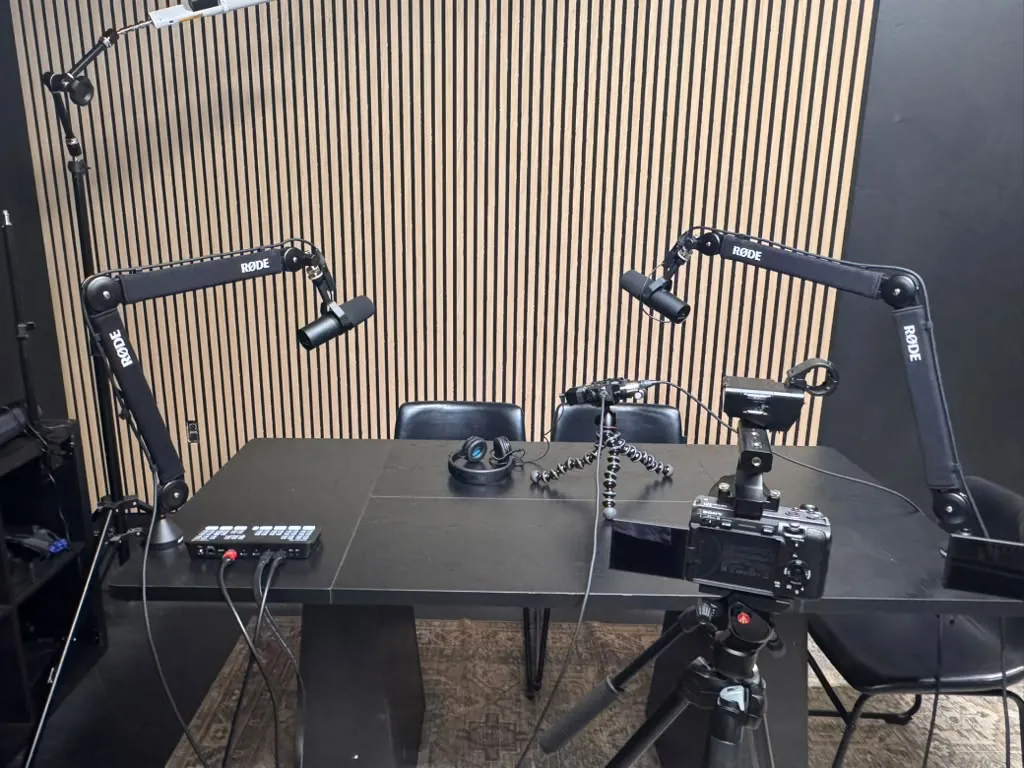
Graphic design is crucial for establishing a brand identity and creating visually appealing content. Here are some of the best tools available:
1. Canva
Canva is a user-friendly graphic design platform that offers a plethora of free templates and design elements. It’s ideal for beginners and professionals alike, allowing users to create everything from social media posts to presentations.
- Free Version: Access to a wide range of templates, images, and design tools.
- Paid Version: Canva Pro offers advanced features like brand kits, premium templates, and the ability to resize designs easily.
2. Adobe Creative Cloud
Adobe Creative Cloud includes industry-standard tools like Photoshop, Illustrator, and InDesign. While these tools come with a learning curve, they offer unparalleled capabilities for professional graphic design.
- Pricing: Monthly subscription starting at $52.99 for the full suite.
- Features: Extensive features for photo editing, vector design, and layout creation.
3. GIMP
GIMP (GNU Image Manipulation Program) is a powerful open-source graphic design tool that rivals Photoshop. It’s ideal for those who prefer a free alternative with robust capabilities.
- Free Version: Completely free to download and use.
- Features: Advanced photo manipulation, customizable interface, and support for various file formats.
4. Figma
Figma is a cloud-based design tool perfect for collaborative projects. It allows multiple users to work on designs simultaneously, making it a favorite among teams.
- Free Version: Basic features for individuals and small teams.
- Paid Version: Advanced collaboration tools and additional storage options.
Best Video Editing Tools
Video content is essential for marketing and engagement. Here are some of the top video editing tools:
1. Adobe Premiere Pro
Adobe Premiere Pro is a professional-grade video editing software used by filmmakers and content creators worldwide. It offers a comprehensive set of tools for high-quality video editing.
- Pricing: Monthly subscription starting at $20.99.
- Features: Multi-camera editing, advanced color correction, and integration with other Adobe apps.
2. Final Cut Pro
Final Cut Pro is Apple’s flagship video editing software, known for its intuitive interface and powerful features. It’s a top choice for Mac users.
- Pricing: One-time purchase of $299.99.
- Features: Magnetic timeline, advanced video effects, and 360° video editing capabilities.
3. DaVinci Resolve
DaVinci Resolve combines video editing, color correction, and audio post-production in one tool. Its free version is robust enough for most users.
- Free Version: Comprehensive features with no watermarks.
- Paid Version: DaVinci Resolve Studio offers additional features like advanced noise reduction and 3D tools for $295.
4. HitFilm Express
HitFilm Express is a free video editing software that offers powerful features and visual effects tools. It’s suitable for both beginners and experienced editors.
- Free Version: Full editing capabilities with optional paid add-ons.
- Features: VFX compositing, 2D and 3D effects, and a wide range of tutorials available.
Essential Audio Production Tools
Creating high-quality audio content is vital for podcasts, video production, and music. Here are some essential audio production tools:
1. Audacity
Audacity is a free, open-source audio editing software that is perfect for recording and editing audio. It’s widely used by podcasters and musicians.
- Free Version: Fully functional with no hidden costs.
- Features: Multi-track editing, effects, and support for various audio formats.
2. Adobe Audition
Adobe Audition is a professional audio editing software that offers advanced features for mixing, editing, and restoring audio.
- Pricing: Monthly subscription starting at $20.99.
- Features: Multitrack editing, sound removal, and extensive audio effects.
3. GarageBand
GarageBand is a free audio production software for Mac users, perfect for music creation and podcasting.
- Free Version: Available on all Mac devices.
- Features: Virtual instruments, sound library, and easy sharing options.
4. Logic Pro X
Logic Pro X is an advanced music production software with powerful tools for audio editing, mixing, and mastering.
- Pricing: One-time purchase of $199.99.
- Features: Advanced MIDI capabilities, extensive library, and professional-grade plugins.
Tools Comparison Table
| Tool | Type | Free Version | Starting Price | Main Features |
|---|---|---|---|---|
| Canva | Graphic Design | Yes | $12.99/month | Templates, drag-and-drop interface |
| Adobe Premiere Pro | Video Editing | No | $20.99/month | Multi-camera editing, color correction |
| Audacity | Audio Production | Yes | Free | Multi-track editing, effects |
| Final Cut Pro | Video Editing | No | $299.99 | Magnetic timeline, advanced effects |
| GIMP | Graphic Design | Yes | Free | Photo manipulation, customizable interface |
Expert Tips for Choosing the Right Tools
- Assess your skill level and choose tools that match your expertise.
- Look for tools that offer a free trial or version to test before committing financially.
- Consider the specific needs of your projects and select tools that provide the features you require.
- Join online communities or forums related to your chosen tools for support and tips.
FAQs
What are the best free graphic design tools available?
Some of the best free graphic design tools include Canva, GIMP, and Figma, which offer a range of features suitable for different design needs.
Is Adobe Premiere Pro worth the cost for beginners?
Adobe Premiere Pro is an industry-standard tool with extensive features, making it worth the investment for serious beginners looking to produce professional-grade videos.
Can I use free tools for professional audio production?
Yes, tools like Audacity provide powerful features for audio editing and are widely used by professionals in the industry.
What is the best tool for creating social media graphics?
Canva is widely regarded as one of the best tools for creating eye-catching social media graphics, thanks to its user-friendly interface and extensive template library.
Are there any audio production tools specifically for Mac users?
Yes, GarageBand and Logic Pro X are two excellent audio production tools specifically designed for Mac users, catering to different levels of expertise.
How can I improve my video editing skills?
Practice regularly, watch tutorials, and consider joining online courses to enhance your video editing skills. Tools like DaVinci Resolve offer a wealth of tutorials for beginners.
What features should I look for in video editing software?
Look for features like multi-track editing, color correction, effects, and ease of use when selecting video editing software.
Can I collaborate with others using graphic design tools?
Yes, tools like Figma allow for real-time collaboration, making it easy to work with teams on graphic design projects.
What is the difference between free and paid versions of design tools?
Free versions often have limited features, while paid versions provide advanced tools, templates, and additional storage options.
How do I choose the right audio production software for my needs?
Identify your specific audio production needs, such as music creation or podcasting, and choose software that offers the relevant features and ease of use.
Are there any resources for learning graphic design?
Yes, platforms like Coursera and Udemy offer courses on graphic design, as well as tutorials on YouTube and design blogs.
What should I consider when investing in video editing software?
Consider your budget, the features you need, and whether the software is user-friendly for your skill level before making an investment.
Conclusion
In conclusion, whether you’re looking to enhance your graphic design, video editing, or audio production skills, the right tools can make a significant difference in your creative process. By carefully evaluating your needs and exploring both free and paid options, you can find the perfect tools to help you succeed in your creative endeavors. For those in the Alpharetta area, consider visiting World Park for access to high-quality coworking spaces and media production facilities, tailored for startups and creators.
